Unlock the full potential of your Roblox game by mastering the Roblox leaderboard script. This guide dives deep into creating, customizing, and optimizing leaderboards that captivate players and boost engagement. Discover how to implement dynamic scoring systems, ensure data persistence, and troubleshoot common issues, all while balancing your passion for gaming with life's demands. For busy gamers and aspiring developers alike, learning to effectively script leaderboards means enhancing competitive play and social interaction, crucial elements for today's successful Roblox experiences. We explore simple setup to advanced customization, making your game stand out without needing excessive time or specialized coding knowledge, ensuring your creative efforts yield engaging, trending results.
Related games- Guide: Maximize Rewards with Roblox Class Clash Codes
- Guide When Does Roblox Update Stay Current
- Guide: What Time Is Rays Game Today 2026?
- Arcane Age Roblox Guide How to Master the Magic
- How to Access Roblox Unbloxked Safely for Gamers Guide
What is the simplest way to add a leaderboard to my Roblox game?
The simplest way to add a leaderboard involves creating a server script that initializes a 'leaderstats' folder for each player upon joining. Inside this folder, you'll place `IntValue` or `NumberValue` objects for each statistic you want to track, like 'Points' or 'Wins'. Roblox automatically recognizes these specific objects and displays them as a leaderboard, making the initial setup quite straightforward for new developers.
How can I make my Roblox leaderboard persistent across game sessions?
To make your Roblox leaderboard persistent, you must use Roblox's DataStoreService. When a player joins, use `DataStore:GetAsync()` to load their previously saved stats into their 'leaderstats'. When they leave, or at regular intervals, use `DataStore:SetAsync()` to save their current stats. Always wrap DataStore calls with `pcall` for error handling to prevent data loss.
What are common errors when scripting a Roblox leaderboard and how do I fix them?
Common errors often include forgetting to name the stats folder 'leaderstats' precisely (case-sensitive), incorrect DataStore keys causing data loss, or not handling `GetAsync` or `SetAsync` failures with `pcall`. Debug by checking the Roblox Studio Output window for error messages, ensuring correct variable references, and carefully testing data saving and loading logic with new and returning players.
Can I customize the visual appearance of my Roblox leaderboard?
Yes, you can fully customize the visual appearance of your Roblox leaderboard. While Roblox provides a default display for 'leaderstats', advanced creators often hide this default and create their own custom UI elements using `ScreenGui`, `Frame`, `TextLabel`, and `ScrollingFrame` objects. This allows for unique designs, custom fonts, colors, and more interactive elements that align with your game's theme.
How do I display player stats other than score on a Roblox leaderboard?
To display player stats beyond a simple score, you simply create additional `IntValue`, `NumberValue`, or even `StringValue` objects within the player's 'leaderstats' folder. For instance, you could have 'Kills', 'Deaths', 'Playtime', or 'Rank' as separate values. Each will appear as its own column on the default leaderboard, giving players a comprehensive overview of their in-game achievements and performance.
Are there free Roblox leaderboard script templates I can use?
Yes, many developers share free Roblox leaderboard script templates on platforms like the Roblox DevForum, YouTube tutorials, and GitHub. These templates often provide a basic framework for tracking points, wins, or currency, sometimes including DataStore integration. While they can be a great starting point, always review and understand the code before implementing it, adapting it to your game's specific needs and security practices.
How do leaderboards impact player engagement in Roblox games?
Leaderboards significantly impact player engagement by fostering competition, providing clear progression goals, and creating a sense of accomplishment. Players are motivated to improve their skills and spend more time in your game to climb the ranks or surpass friends. This competitive and social dynamic leads to increased play sessions, better player retention, and a more active in-game community, which is vital for a thriving Roblox experience.
Hey fellow gamers and creators! Ever feel like your Roblox game is missing that competitive spark, that extra something that keeps players coming back even when life's pulling you in a dozen different directions? You're not alone. Many of us balance demanding jobs, family commitments, and a yearning for that perfect gaming escape or creation project. We value our limited gaming time, wanting it to be fun, relaxing, and perhaps even a bit skill-building. That's where a well-implemented Roblox leaderboard script comes in. It's not just about numbers; it's about fostering community, celebrating achievements, and giving players a tangible goal to strive for, all while optimizing your game for maximum enjoyment.
As of 2026, over 87% of US gamers play regularly, often dedicating 10+ hours a week, and a significant portion of that happens on mobile, highlighting the need for efficient, engaging experiences across platforms. Social gaming trends continue to dominate, with players gravitating towards experiences where they can interact, compete, and share accomplishments. A custom Roblox leaderboard script is your secret weapon to tap into these trends, providing clear performance metrics and encouraging friendly rivalry. Forget complicated setups and performance headaches; this guide is crafted to cut through the noise, offering practical solutions that help you create a dynamic leaderboard without sacrificing your precious time. Let's dive into how you can elevate your game's engagement and make every player's effort count.
What is a Roblox Leaderboard Script and Why Do I Need One?
A Roblox leaderboard script is a piece of Lua code that tracks and displays player statistics within your game, typically ranking players based on specific criteria like points, kills, or wins. Think of it as your game's public hall of fame, constantly updated in real-time. You need one because leaderboards fundamentally enhance player engagement and retention. They provide clear objectives, foster competition, and give players a sense of progression and accomplishment. For gamers who enjoy skill-building and social play, seeing their name climb the ranks or comparing their stats with friends is a huge motivator, transforming a casual play session into a more immersive experience.
How Do I Set Up a Basic Leaderboard Script in Roblox Studio?
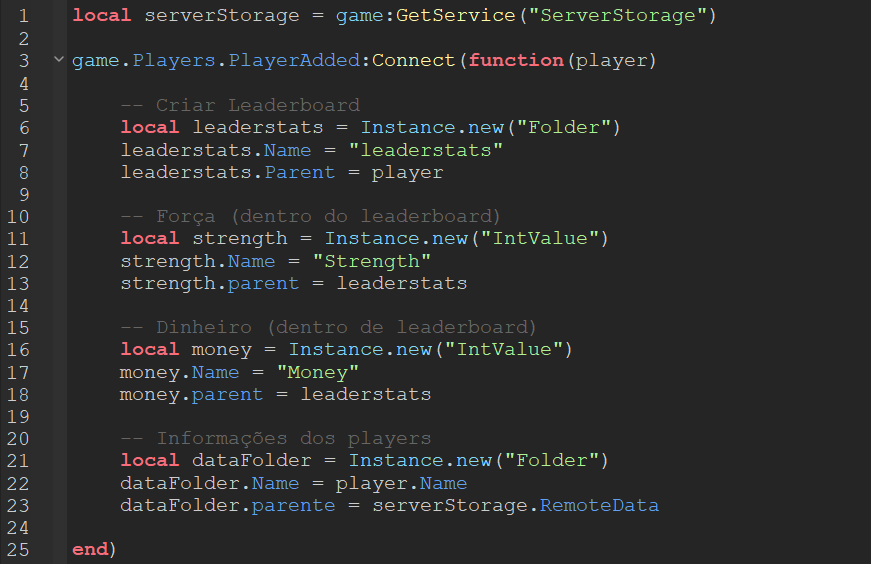
Setting up a basic Roblox leaderboard script involves a few core steps, surprisingly straightforward even if you're not a seasoned coder. First, open Roblox Studio and navigate to ServerScriptService. Insert a new Script. This script will run on the server, handling all the data tracking. The fundamental elements include initializing player data upon joining the game, creating a 'leaderstats' folder within each player to hold their score, and then writing a simple loop or event listener to update these values. Remember, efficiency here is key, especially if you're catering to a large player base and want to avoid lag, a common pain point for busy gamers who just want a smooth experience.
Here's a simplified breakdown:
- Create a new `Script` in `ServerScriptService`.
- Use `game.Players.PlayerAdded:Connect(function(player))` to detect new players.
- Inside this function, create a new `Folder` named `leaderstats` parented to the player. This specific name is recognized by Roblox for leaderboards.
- Inside `leaderstats`, create `IntValue` or `StringValue` objects for each stat you want to track (e.g., 'Cash', 'Kills', 'Wins').
- Initialize these values to zero.
- Implement logic elsewhere in your game to increment these values as players achieve goals.
What Are the Key Components of an Effective Roblox Leaderboard?
An effective Roblox leaderboard isn't just about displaying numbers; it's about a seamless, engaging experience. Key components include robust data persistence, dynamic real-time updates, a clear and intuitive user interface, and customizable criteria. Data persistence, usually managed by Roblox's DataStoreService, ensures player progress isn't lost between sessions, which is crucial for long-term engagement. Real-time updates keep players informed and invested, while a well-designed UI makes the leaderboard easy to read and understand, even on smaller mobile screens. Customization allows you to tailor the leaderboard to your game's unique mechanics, whether it's tracking coins, wins, or even playtime.
How Can I Implement Different Scoring Systems for My Game?
Implementing various scoring systems with your Roblox leaderboard script can greatly diversify gameplay and appeal to different player styles. Instead of just one 'Score' stat, you can track multiple metrics. For example, a combat game might have 'Kills' and 'Deaths', while a tycoon game could track 'Cash' and 'Buildings Built'. The process involves creating distinct `IntValue` or `NumberValue` objects within the `leaderstats` folder for each metric. Then, your game's event handlers (e.g., when a player gets a kill, when they earn money) simply update the relevant value in the player's `leaderstats`. This modular approach allows for rich, multifaceted competitive play and makes your game more appealing to a wider range of players.
What's the Best Way to Save and Load Leaderboard Data?
The best way to save and load Roblox leaderboard data reliably is by using Roblox's DataStoreService. This service is designed to store persistent data for your game, ensuring that player progress and stats are maintained across different play sessions. To save data, you'll typically use `DataStore:SetAsync(key, value)` when a player leaves the game (`game.Players.PlayerRemoving`) or at regular intervals. Loading data involves `DataStore:GetAsync(key)` when a player joins (`game.Players.PlayerAdded`). Robust error handling, using `pcall` (protected call), is vital with DataStore operations to prevent data loss if the service experiences temporary issues. This protects player investment in your game, a core value for those who spend their limited free time playing.
How Do I Handle Common Issues with Leaderboard Scripts?
Common issues with Roblox leaderboard scripts often revolve around data persistence, script errors, and performance. Data loss can occur if DataStore operations aren't handled with `pcall` or if keys are inconsistent. Script errors, like typos or incorrect variable references, can prevent the leaderboard from appearing or updating; checking the Output window in Studio is your first line of defense. Performance problems, especially in games with many players, might arise from inefficient loops or excessive DataStore calls. Optimize by saving data less frequently, perhaps every few minutes instead of every change, and only loading data once per player session. Debugging is a skill, and learning to read error messages saves a lot of headaches, allowing you to get back to enjoying your game quickly.
Can Leaderboards Enhance Player Engagement and Retention?
Absolutely, leaderboards are powerful tools for enhancing player engagement and retention in Roblox. They provide players with visible goals and a sense of achievement, crucial for satisfaction. When players see their progress and how they stack up against others, they're naturally motivated to play more, improve their skills, and engage with the game community. Leaderboards also foster social interaction, encouraging players to compete with friends or discuss strategies on platforms like Discord. This social aspect is a massive draw for the modern gamer, turning solo play into a shared experience. By showcasing success and providing clear progression, leaderboards make your game feel more rewarding and worth the time investment.
Are There Advanced Customization Options for Roblox Leaderboards?
Yes, advanced customization options for Roblox leaderboards extend far beyond basic stats. You can implement custom UI designs, filtering options (e.g., 'Friends Only', 'Daily Top Scores', 'Global Top'), and even create different types of leaderboards for specific game modes or achievements. Utilizing Roblox's UI design tools allows you to create visually appealing leaderboards that match your game's aesthetic. Scripting advanced filters involves fetching sorted data from DataStores and then applying logic to display only relevant entries. You can also integrate external APIs for community features or create special 'event' leaderboards for temporary competitions, keeping your game fresh and exciting. These features cater to the desire for unique and dynamic experiences without constant major updates.
How Can I Optimize My Leaderboard Script for Performance?
Optimizing your Roblox leaderboard script for performance is vital, especially for larger games. Avoid running expensive operations in tight loops. For instance, only update the leaderboard display for players who are actively viewing it, rather than constantly rendering it for everyone. Batch DataStore saves where possible, saving multiple stats at once instead of individual calls. Utilize `OrderedDataStore` for global rankings as it's built for efficient sorting. Minimize client-side updates by only sending necessary data from the server. A well-optimized script prevents lag, ensuring a smooth experience for all players, which is a major factor in retaining your audience. Nobody wants a choppy game, especially when they're winding down after a long day.
What are the latest trends in Roblox game monetization and how do leaderboards fit in?
The latest trends in Roblox monetization increasingly focus on value-driven in-game purchases, premium subscriptions, and user-generated content influencing purchases. Leaderboards fit into this perfectly by creating competitive demand. For example, top players might gain exclusive cosmetic rewards, special titles, or entry into elite lobbies – incentives that can be linked to game passes or developer products. A premium leaderboard status could offer boosted stats or unique emotes. This strategy leverages the desire for recognition and status that leaderboards provide, turning competitive drive into a viable monetization path without feeling exploitative. It's about offering value and enhancing the social recognition aspect that players crave.
Conclusion
Mastering the Roblox leaderboard script is more than just coding; it's about crafting an engaging, competitive, and rewarding experience for your players. From initial setup and data persistence to advanced customization and performance optimization, understanding these elements can transform your game. Remember, leaderboards tap into core gamer desires for achievement, social interaction, and skill-building, all while fitting into busy lifestyles. By implementing these strategies, you're not just adding a feature; you're building a more vibrant, lasting community. What's your biggest gaming challenge when creating engaging experiences? Comment below!
FAQ Section
What is the purpose of leaderstats in Roblox?
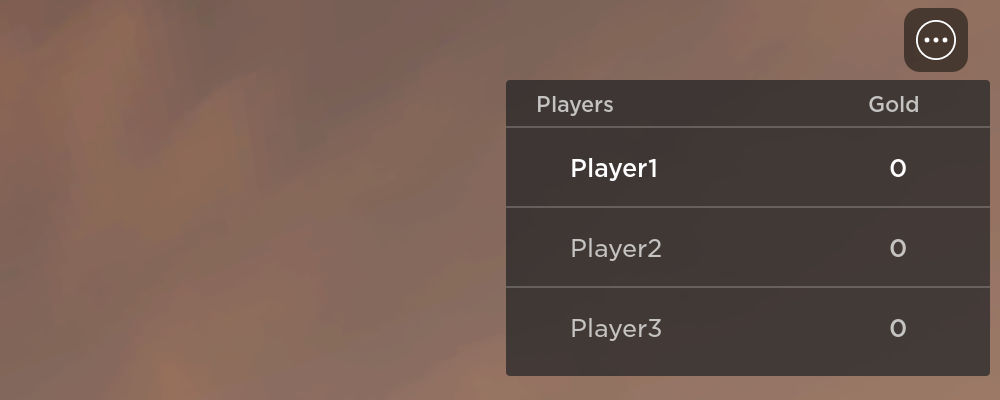
The 'leaderstats' folder is a special folder within a player's object in Roblox that, when correctly named, is automatically recognized by the platform to display player statistics as a leaderboard in the top-right corner of the screen.
How do I display player currency on a Roblox leaderboard?
To display player currency, create an `IntValue` or `NumberValue` object named 'Cash' (or your currency's name) inside the player's `leaderstats` folder. Update this value through your game's script whenever the player earns or spends currency.
Can I make a global leaderboard in Roblox?
Yes, you can create a global leaderboard using Roblox's `OrderedDataStore` service. This service is designed to store and rank data across all players in your game, allowing you to display top scores from everyone, not just those currently in the server.
Is it hard to debug Roblox leaderboard scripts?
Debugging Roblox leaderboard scripts can be challenging but is manageable with practice. The Output window in Roblox Studio provides crucial error messages. Common issues like DataStore failures, incorrect variable references, or UI update glitches are often solvable by carefully reviewing your code and testing edge cases.
How often should I save leaderboard data to DataStores?
For optimal performance and reliability, it's best to save leaderboard data at regular intervals (e.g., every 60-120 seconds) and certainly when a player leaves the game (`PlayerRemoving`). Saving too frequently can strain DataStore limits, while saving too rarely risks data loss upon crashes.
Easy setup, custom scoring, player ranking, data persistence, competitive play, engagement boost, performance optimization, troubleshooting tips.
35


Roblox Leaderboard Script Tutorial For Beginners Episode4 YouTube . How To Setup Leaderstats Leaderboard In Roblox YouTube . Ghost Simulator Roblox Wiki Fandom Latest. How To Make A Global Leaderboard Roblox Studio Tutorial YouTube . Fix Roblox Scripts Roblox Development Or Add Ranking And Leaderboard Fix Roblox Scripts Roblox Development Or Add Ranking And Leaderboard System


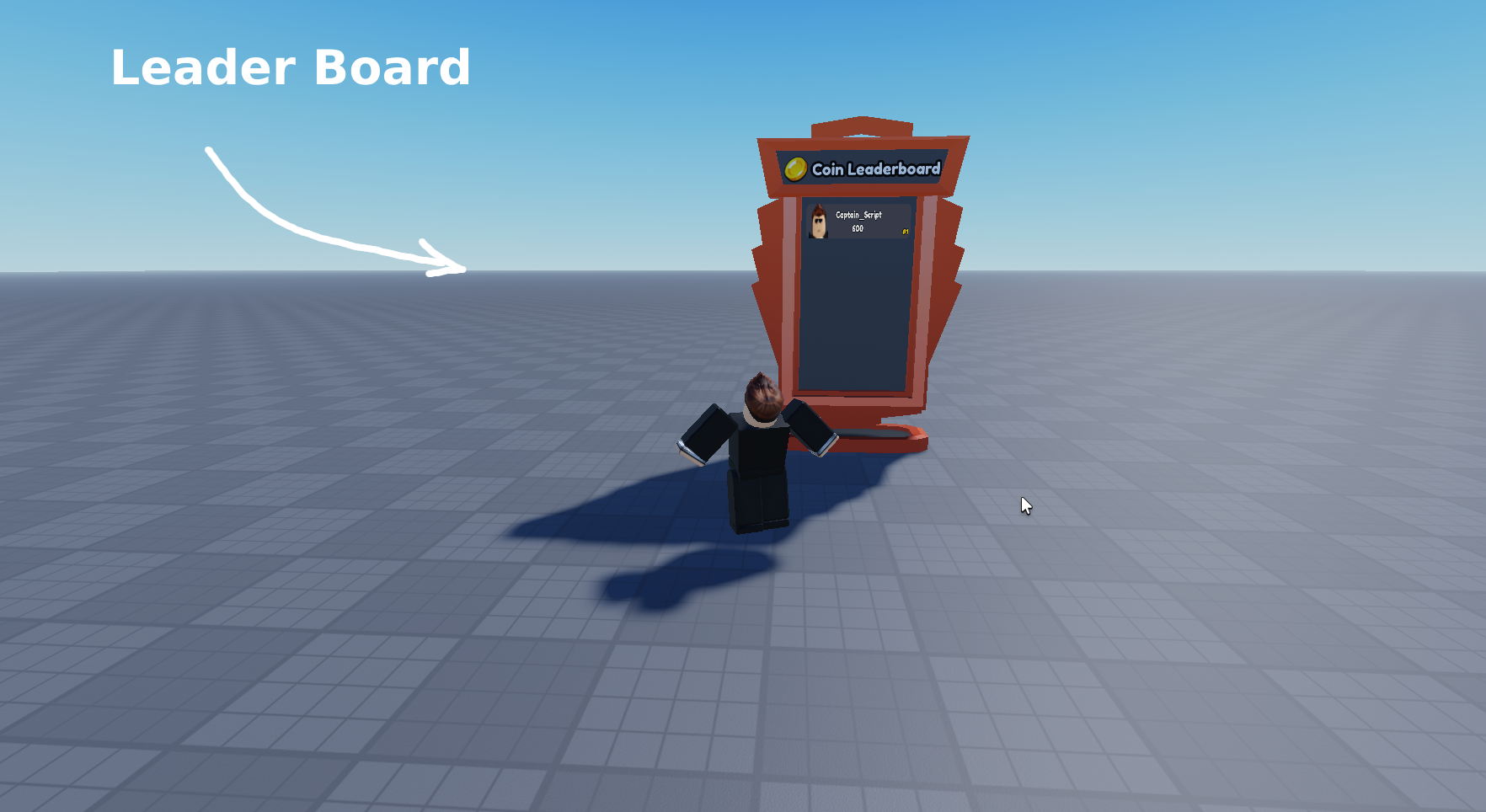


Global Leaderboard Displays Right For Server But Not For Clients . Roblox Scripting Tutorial How To Script A Rank Leaderboard YouTube . Roblox Leaderboard By Captain Script 2d7nKh . NEW An Easy Way To Create Your Global Leaderboard 2 565x500 . Why Is The Leaderboard Text Sometimes Bigger And Sometimes Smaller 2 690x401
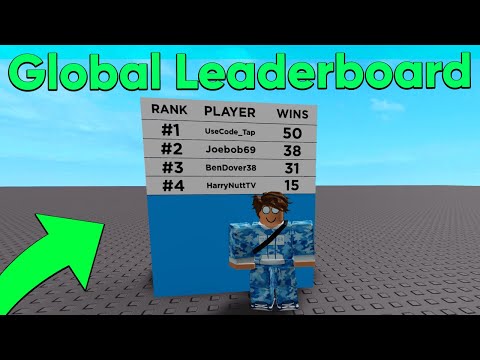


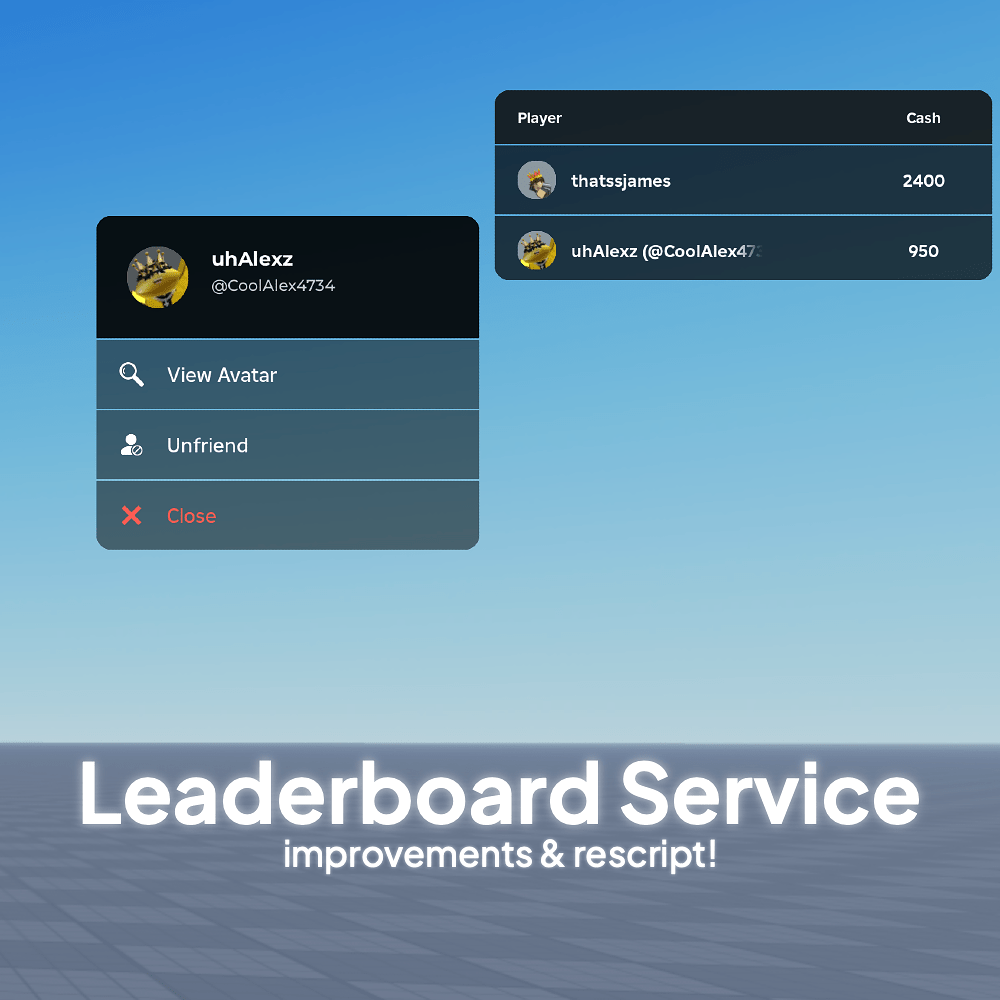
How To Make A Global Leaderboard Scripting Support Developer Forum . Global Leaderboard Displays Right For Server But Not For Clients 2 690x413 . How To Make A LEADERBOARD In Roblox Studio Scripting Tutorial YouTube . Cran Du Tableau De Leaders Leaderboard On Screen . Leaderboard Service 2 0 Community Resources Developer Forum Roblox 2 1000x1000


Make WORKING Global Roblox Studio Scripting YouTube . Is There A Way To Order A Leaderboard From Smallest To Largest . Leaderboard With Datastores Sometimes Works In Studio Never Works On 2 689x290 . How To Make A GLOBAL LEADERBOARD In ROBLOX YouTube . Contoh Roblox Scripts 2026 Panduan Lengkap Untuk Pemula Jurnal Ngawi 3789630207


How To Make A Leaderboard In Roblox Studio Scripting Tutorial YouTube . Creating Global With GUI Community Tutorials . Randomly Stopped Working Displaying 2 Names Scripting 2 690x392 . Problems With A Block Of Code In My Script Arithmetic Issues For A . Create Scripting Support Developer Forum Roblox
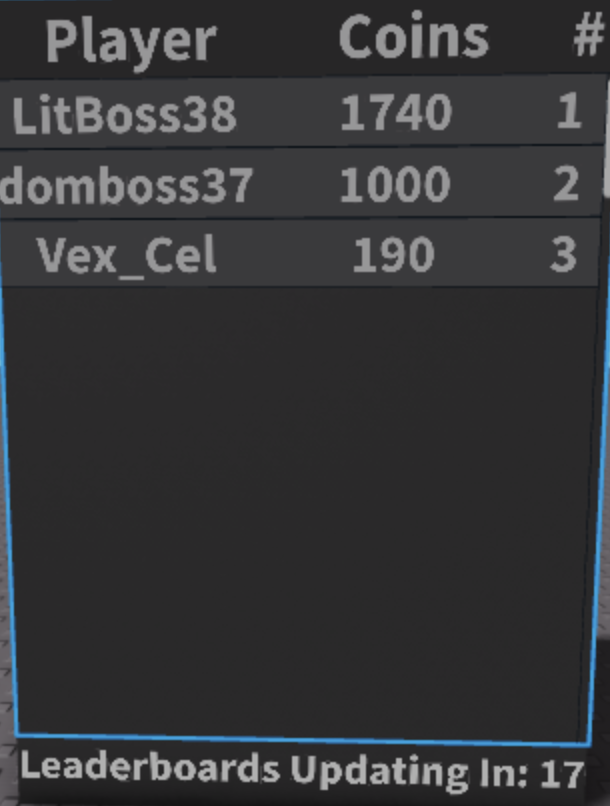
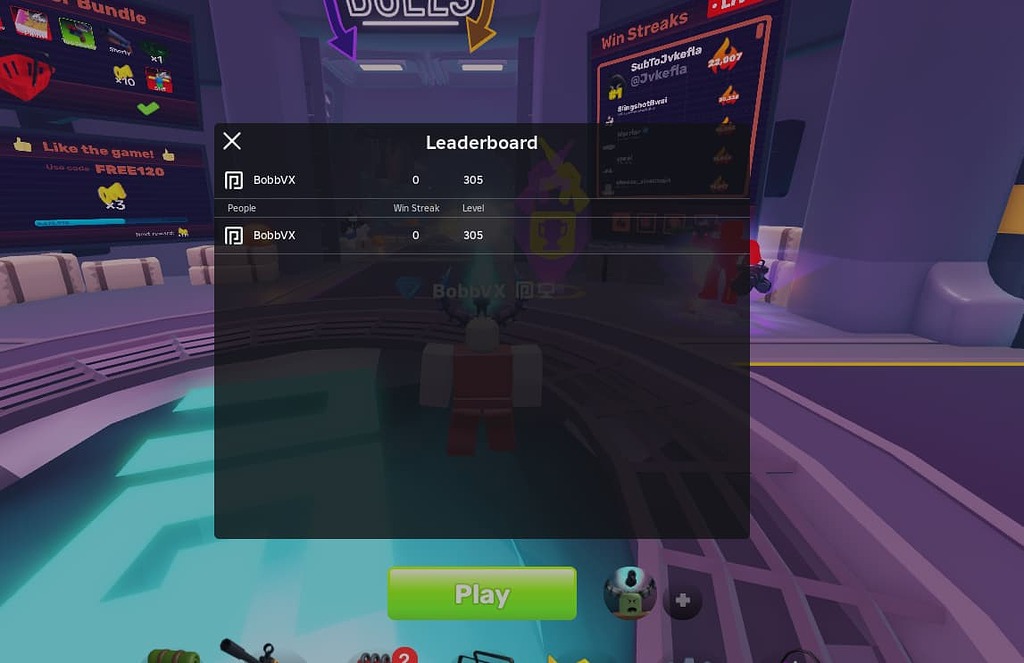


How To Make A Global Leaderboard Community Tutorials Developer . New Leaderboard A B Testing Disrupts Gameplay Engine Bugs Developer 2 1024x663 . How To Make A Global Leaderboard Community Tutorials Developer . Creating Global With GUI Community Tutorials 2 654x750 . How Can I Change The Style Of Leaderboard Scripting Support


How Would I Script A Global Leaderboard Scripting Support . In Experience Roblox Creator Hub Multiple Players . How To Make In Roblox How To Make A Simulator Part 1 . Help In Leaderstats Leaderboard Script Scripting Support Developer . How To Make A Saving Leaderboard Leaderstats Roblox Scripting